Use the VAT Calculator Philippines to accurately compute 12% VAT on goods and services in 2025. This complete guide explains how to compute VAT in the Philippines, including VAT-inclusive and VAT-exclusive prices, input VAT, output VAT, and net of VAT calculations.
VAT Calculator PhilippinesLearn how to get 12% VAT in a calculator, how to add VAT to prices, and how to compute VAT from official receipts. Perfect for business owners, freelancers, accountants, and consumers, this Philippine VAT calculator guide helps ensure BIR compliance, accurate tax computation, and error-free VAT calculations with clear formulas and real examples.
What Is VAT in the Philippines?
Value-Added Tax (VAT) in the Philippines is a 12% consumption tax applied to the sale of goods, services, and imports. VAT-registered businesses collect VAT from customers and remit it to the Bureau of Internal Revenue (BIR).
👉 The standard VAT rate in the Philippines remains 12% in 2025.
VAT Calculator Philippines: What It Does
A VAT calculator PH helps you instantly compute:
- VAT amount (12%)
- VAT-inclusive price
- VAT-exclusive price
- Net of VAT
- Output VAT and Input VAT
Using a Philippines VAT calculator reduces errors and saves time, especially when issuing receipts or filing tax returns.
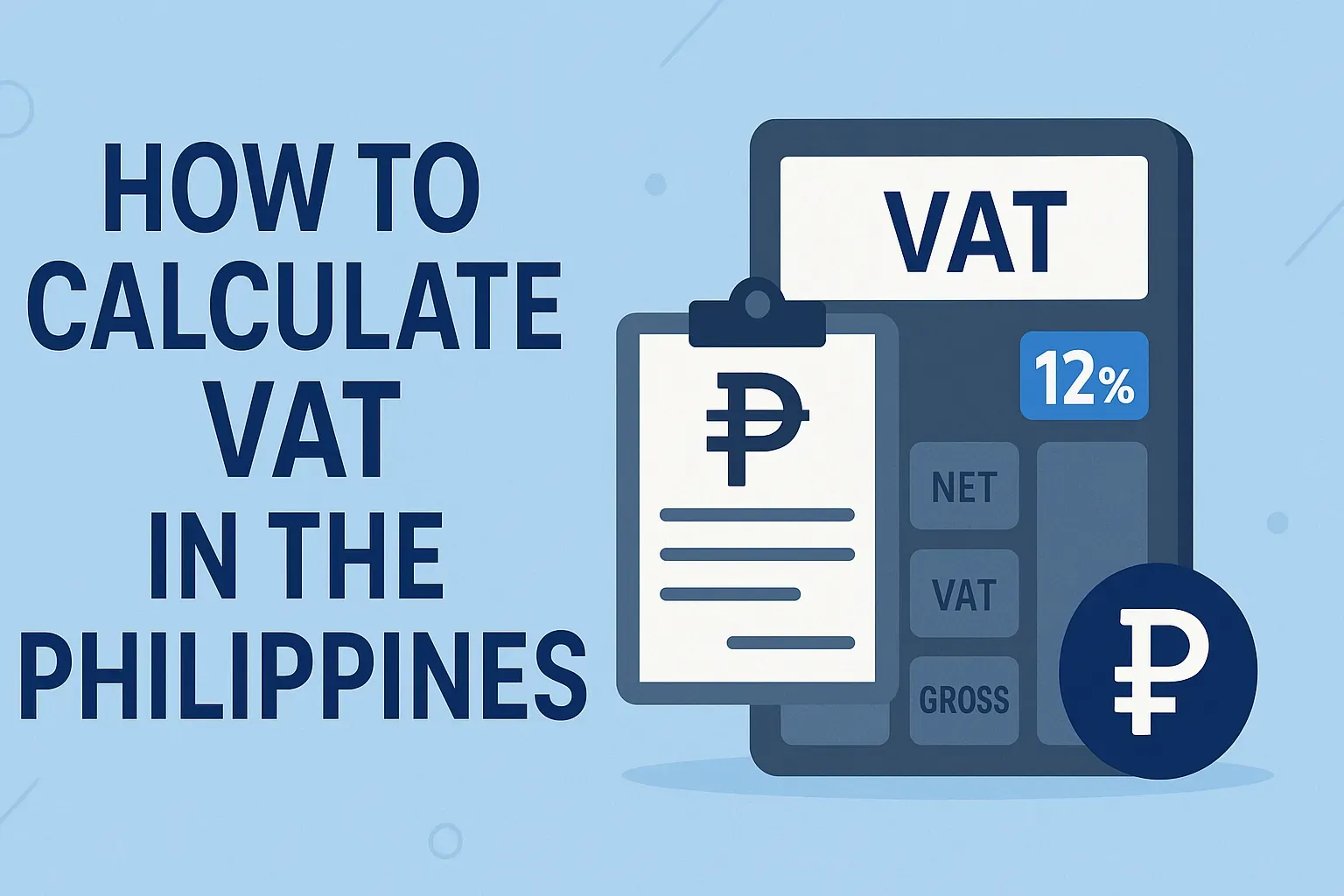
How to Compute VAT in Philippines (12% VAT Formula)
1. How to Compute 12% VAT (VAT-Exclusive)
Formula:
VAT = Selling Price × 12%
Example:
₱1,000 × 0.12 = ₱120 VAT
Total price = ₱1,120
This method is commonly used for VAT-exclusive pricing.
2. How to Compute VAT Inclusive Philippines
If the price already includes VAT:
Formula:
VAT = Total Price × (12 ÷ 112)
Example:
₱1,120 × (12 ÷ 112) = ₱120 VAT
Net of VAT = ₱1,000
This is essential when checking official receipts.
3. How to Compute Net of VAT Philippines
Formula:
Net of VAT = VAT-Inclusive Price ÷ 1.12
Example:
₱5,600 ÷ 1.12 = ₱5,000 (Net Sales)
How to Get 12% VAT in Calculator (Step-by-Step)
To compute 12% VAT using a calculator:
- Enter the amount
- Multiply by 0.12
- The result is the VAT
📌 Example:
1,500 × 0.12 = 180 VAT
This works for how to get 12% VAT in calculator Philippines.
VAT Computation Philippines (Business Perspective)
Input VAT
- VAT you pay when purchasing goods/services
Output VAT
- VAT you collect from customers
VAT Payable Formula
VAT Payable = Output VAT − Input VAT
This is required for monthly and quarterly BIR filings.
How to Compute Output VAT Philippines
Formula:
Sales × 12%
Example:
₱50,000 × 12% = ₱6,000 Output VAT
How to Compute Input VAT Philippines
If a supplier charges VAT:
Formula:
Purchase Amount × 12%
Example:
₱20,000 × 12% = ₱2,400 Input VAT
How to Compute Less VAT Philippines
When removing VAT from a VAT-inclusive amount:
Less VAT = Total Price × (12 ÷ 112)
Used commonly in discounts, refunds, and adjustments.
How to Add VAT to Price Philippines
To add VAT to a base price:
Final Price = Base Price × 1.12
Example:
₱2,000 × 1.12 = ₱2,240
VAT Calculator Philippines 2025: Why It Matters
In 2025, accurate VAT computation is more important than ever due to:
- Digital invoicing
- BIR compliance checks
- Online business growth
A VAT calculator Philippines 2025 ensures accuracy and compliance.
FAQs: VAT Calculator & VAT Computation Philippines
How to get 12% VAT in calculator?
Multiply the amount by 0.12.
How to compute 12% VAT Philippines?
VAT = Amount × 12%.
How to compute VAT Philippines?
Use VAT-exclusive or VAT-inclusive formulas depending on pricing.
How to calculate VAT Philippines?
Multiply by 0.12 or divide VAT-inclusive price by 1.12.
How to calculate 12 VAT Philippines?
Same as 12% VAT: Amount × 0.12.
How to calculate VAT tax Philippines?
Compute output VAT, deduct input VAT, then remit the difference.
How to calculate VAT sales Philippines?
Sales × 12% = Output VAT.
How to calculate VAT inclusive Philippines?
VAT = Total × (12 ÷ 112).
How to calculate VAT exclusive Philippines?
VAT = Base Price × 12%.
How to compute non-VAT Philippines?
Non-VAT sellers do not charge 12% VAT—only percentage tax may apply.
How to change from non-VAT to VAT Philippines?
Register with BIR once sales exceed ₱3,000,000 annually.
How to get VAT Philippines?
Register as a VAT taxpayer with the BIR.
How to get ICCM in Philippines?
Depends on the issuing institution—usually for commerce or certification purposes.
How to apply 9A visa in Philippines?
Apply through a Philippine embassy or Bureau of Immigration.
How to represent Philippines?
Through legal, diplomatic, or authorized business representation.
Final Thoughts
Using a VAT calculator Philippines simplifies tax computation, avoids penalties, and ensures compliance. Whether you’re learning how to compute 12% VAT, calculating net of VAT, or handling input and output VAT, mastering these formulas is essential for financial accuracy.